
SPay review: a points-paying virtual Visa that still has its physical card in the future tense
 Available in US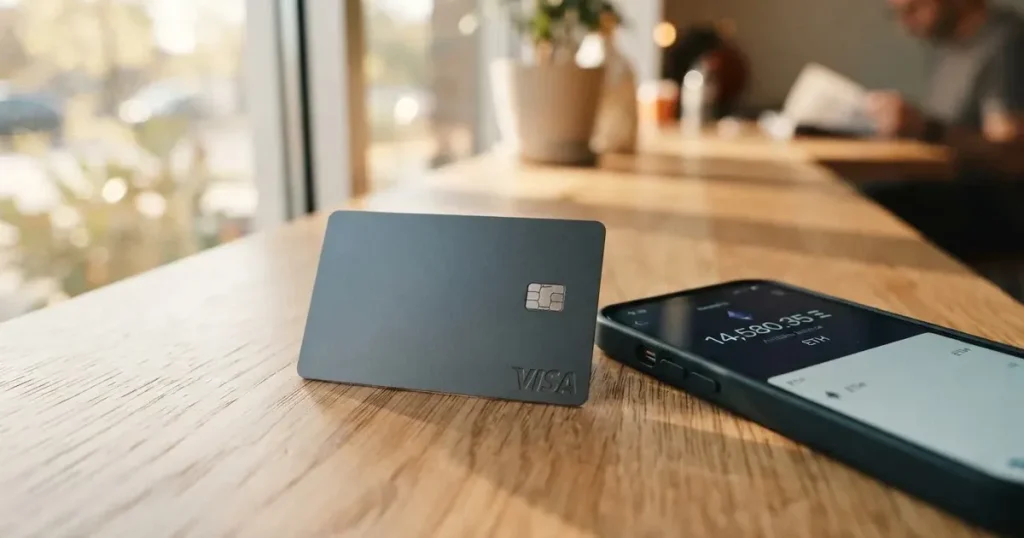
SPay is a virtual Visa card you create inside an app and load from a crypto balance, built for people outside the United States, with three paid tiers, points on spending, and an Apple Pay version that works today. The physical plastic card is announced as “Coming soon,” and so is the ATM. That single sentence shapes most of what follows: this is a card for online and contactless spending off a stored balance, not yet a card you put in a shop’s terminal or feed into a cash machine. My score for it is 5.5 out of 10, and the shape of that number is not evenly spread — the top-up side is genuinely good, the everyday-use side is thin, and the cost side is where it hurts most if you transact in a currency other than dollars.
Conditions are current as of October 28, 2026.
What I think after looking at SPay
This card is for you if you live outside the US, hold dollars or dollar-pegged stablecoins, want a virtual Visa number you can add to Apple Pay, and like the idea of points on purchases without giving up much else. It is not for you if you need a card in your hand this week, if you want to draw cash, if you are a US citizen, or if you intend to pay in local currency most of the time and dislike the two percentage fees that appear when you do.
The reason for the 5.5 is visible in the breakdown below. Top-up options score 8 because the deposit routes are broad and specific — USDT on Tron and Ethereum, USDC on Ethereum, native ETH and TRX straight into the SPay wallet. Everyday use scores 6 because Apple Pay works, Google Pay is described inconsistently, and the physical card plus ATM sit behind a “Coming soon”. Cost scores 3 because the entry price is a one-off fee per tier rather than a monthly one, but non-dollar spending carries a foreign-exchange fee up to 3% and a cross-border fee up to 3%, which is where the money actually goes.
| Criterion | Mark | Why |
|---|---|---|
| Who can get it | 5 / 10 | No list of countries; coverage is “on request” via the Contact page, and the card is for people outside the US, not US citizens |
| Cost | 3 / 10 | One-off tier fees from $9.99 to $49.99, a $99 physical card, FX up to 3% and cross-border up to 3% |
| Top-up options | 8 / 10 | USDT on TRC-20 and ERC-20, USDC on ERC-20, native ETH and TRX, plus card loading from $10 to $500 off a USDC balance |
| Reliability and complaints | 7 / 10 | Run by NOVARA TECH L.L.C S.O.C, card issued by Third National under a Visa licence; no complaints surfaced, App Store 5.0 on one rating |
| Everyday use | 6 / 10 | Virtual Visa, Apple Pay working, Google Pay contradictory; physical card and ATM “Coming soon” |
| Total | 5.5 / 10 | Strong on funding, unproven on everything you would use a physical card for |
One caveat on that last line: the reliability mark rests on thin evidence. “No complaints found” is not the same as “no complaints exist” — the card is run by an operator I could not find a Trustpilot page for, and the App Store rating of 5.0 comes from a single person. Treat that 7 as “nothing bad found so far,” not as a track record.
Will they give you the card
There is no country list on the card’s own page. Where a list would normally sit, the page says “For current country coverage” and points you at a Contact page — so the honest answer to “can I get SPay in my country?” is that the card itself does not say, and you would have to ask. That is a real gap for anyone outside the US who is trying to work out in thirty seconds whether this is available to them.
What the terms do state is who must not hold the card: you cannot be blocked or sanctioned by the United States under OFAC, and you must attest that you are not a US citizen. The card is described as intended for people outside the US. Whether the test applies to citizenship, residence, or both is not stated, and if that distinction matters to you it is worth asking about directly rather than inferring from the wording. People on the OFAC list are excluded outright — that is a sanctions rule, not something to plan around.
There is also no stated minimum age beyond the usual adult threshold that applies to prepaid and debit cards generally, where 18+ is the common floor and some issuers set higher limits. Nothing on the card’s pages describes a tiered eligibility structure, so the three tiers appear to be about price and limits rather than about who qualifies.
How to get it
Onboarding runs through verification, but the card’s public pages do not describe what verification actually consists of — no list of documents, no statement about proof of address, no stated age check. I cannot fill that gap for you. What you do get is a passcode or Face ID unlock on the app itself, which is a device-level lock rather than a description of the identity process.
The product you end up with is a virtual Visa card generated in the app. It spends in US dollars. It is issued by Third National under licence from Visa, which matters more than it sounds: the licence means a network-regulated issuer is behind the number, and the card programme is run by a separate company from the bank. The physical teal plastic card, intended for tap-to-pay and ATM use, is listed as “Coming soon” at $99 one-time, delivered to an address and activated on arrival — with no countries or timing stated for delivery.
So the honest version of “how to get it” is: create a virtual Visa in the app now, and treat the physical card as a future purchase you are pre-paying for the privilege of having. If you need plastic, the answer here is a different card.
Fees and limits: what it really costs
Prices are one-off, per plan: Platinum $9.99, Signature $19.99, Infinite $49.99. The physical card adds a one-time $99. No monthly fee is stated on the public pages, which is unusual enough in this category to call out as a genuine plus. The catch is that the recurring costs move into the transaction itself.
The terms list a foreign-exchange fee of up to 3% when you spend in something other than US dollars, and a cross-border fee of up to 3%. A crypto conversion or deposit fee is not listed — which means you should not assume it is zero, only that it is not published. Cash advances are unavailable per the terms, and the ATM fee is not listed.
Limits are monthly caps by tier: Platinum $20,000, Signature $50,000, Infinite $100,000. You can set your own limit anywhere from $0 up to that cap. Daily and per-transaction caps exist but the amounts are not listed. And the terms reserve the right to change this: SPay sets the limit based on collateral, and can reduce it to $0 at any time. That is a real limit on the “your money, your card” feeling, and it is the clause I would read twice.
| Fee or limit | Value |
|---|---|
| Platinum, one-time | $9.99 |
| Signature, one-time | $19.99 |
| Infinite, one-time | $49.99 |
| Physical card, one-time | $99, “Coming soon” |
| Monthly fee | not stated |
| Foreign-exchange fee (non-USD) | up to 3% |
| Cross-border fee | up to 3% |
| Crypto conversion / deposit fee | not listed |
| ATM fee | not listed; cash advances unavailable |
| Platinum monthly cap | $20,000 |
| Signature monthly cap | $50,000 |
| Infinite monthly cap | $100,000 |
| Own limit range | $0 up to the tier cap |
| Daily / per-transaction caps | exist, amounts not listed |
| Limit reduction | SPay may set it by collateral and cut it to $0 at any time |
To make the fees concrete, take a few ordinary payments and see which lines actually bite.
- A $40 subscription in dollars. The tier fee is one-off and already paid, so the per-payment cost is whatever the conversion fee is, if any. On a dollar charge the FX and cross-border lines do not apply.
- A €30 supermarket run. Both percentage fees are live: up to 3% foreign exchange plus up to 3% cross-border, so on €30 the fee lines can reach a combined total of up to 3% and 3% in the worst case, before any conversion cost that isn’t published.
- A $15 taxi paid in a local currency. Same two fees on a small amount. On a small transaction the percentage bites proportionally harder, which is the argument for holding dollars and spending dollars.
Tiers bring benefits rather than cheaper fees. Platinum includes purchase protection and extended warranty up to $10,000, price protection up to $2,000, worldwide auto rental insurance, and 24/7 support. Signature adds concierge, the Luxury Hotel Collection, airport lounge access, and higher limits. Infinite adds travel accident insurance up to $1,500,000, baggage cover, priority concierge, purchase protection at $20k and warranty at $25k. These are the real differences between the three prices — not the fees, which are identical.
How to Top up the card
This is the strongest part of the product. You deposit USDT on Tron (TRC-20) or Ethereum (ERC-20), USDC on Ethereum (ERC-20), or native ETH and TRX directly into the SPay wallet. From the USDC balance you then move funds onto the card in amounts from $10 to $500, credited in minutes. Quick-amount presets run the same $10 to $500 range.
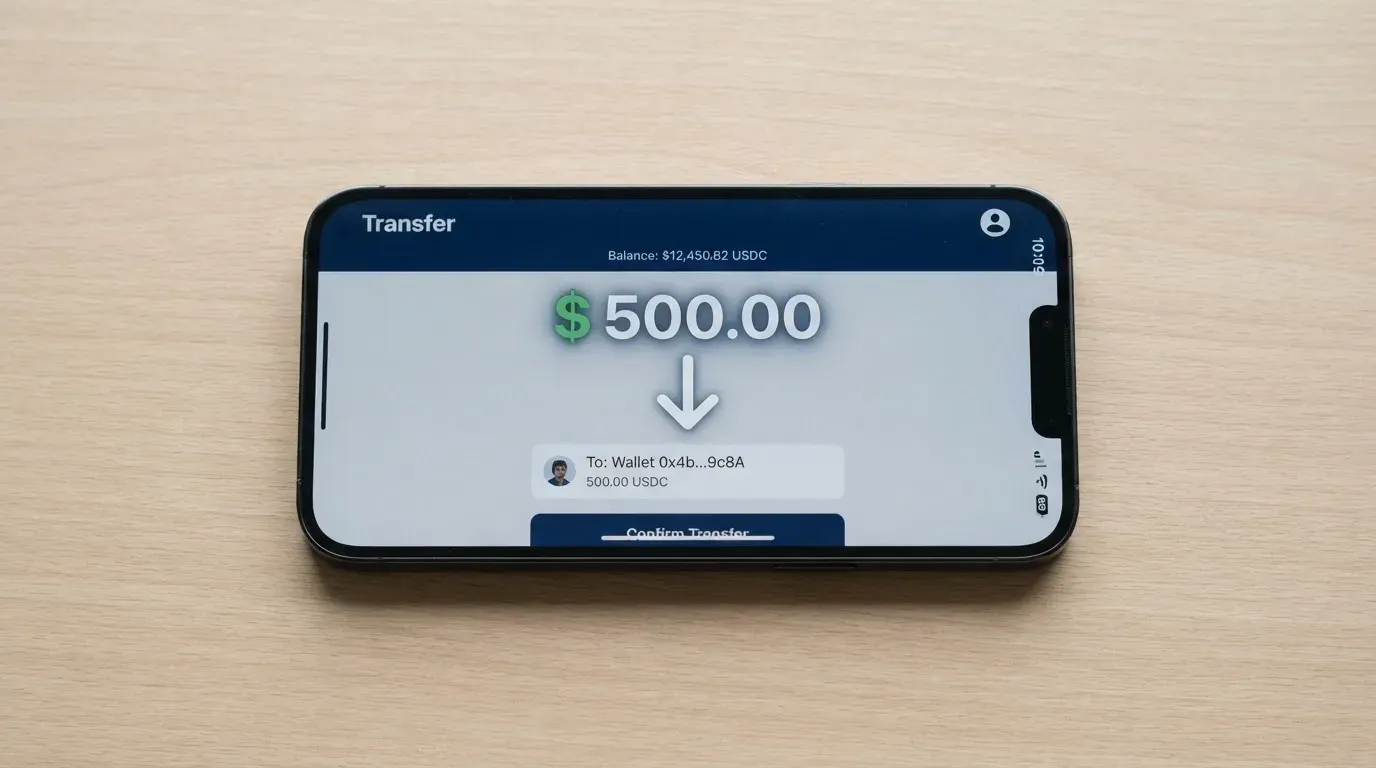
Two things to be careful with, both about networks rather than about the card. First, Circle stopped supporting USDC on Tron in February 2024, so “USDC over TRC20” is not a native option — USDC here is Ethereum-only, while USDT is the one available on Tron. Second, blockchain transfers are irreversible: a deposit sent on a network the provider does not support, or to an address belonging to a different network, can be lost or need manual recovery with no guarantee. The card’s pages do not list a deposit fee, do not say who pays the network fee, and do not mention fiat top-up at all — so card funding is a crypto-to-card flow, not a bank-transfer flow.
Withdrawals go out as USDC on Base to any self-custody wallet. Funds sent on the wrong network cannot be recovered. The withdrawal fee is not listed, and what happens to a remaining balance if you close the account is not stated either.
| Top-up route | Network | Notes |
|---|---|---|
| USDT | Tron (TRC-20) | Deposited to the SPay wallet |
| USDT | Ethereum (ERC-20) | Deposited to the SPay wallet |
| USDC | Ethereum (ERC-20) | The stablecoin the card balance is drawn from |
| ETH, TRX | Native | Sent straight into the SPay wallet |
| Card load from USDC balance | — | $10 to $500, credited in minutes |
| Fiat top-up by bank transfer | — | not stated |
Paying with it every day
The core experience is a virtual Visa you add to your phone. Apple Pay works. Google Pay is the confusing one: the site calls it “in development,” while the card page says both wallets work with virtual cards on creation. I would plan on Apple Pay being the reliable path and treat Google Pay as unconfirmed. Apple Pay’s advantage is structural — it replaces your card number with a device-specific number stored in the Secure Element and issues a fresh security code per payment — but the issuer can restrict a tokenised number to certain channels, so that is not a guarantee.
Some merchant categories are restricted. Cash-like transactions — crypto purchases, gambling, money transfers — “may be limited.” Gambling sits under a four-digit merchant category code that many issuers block by policy rather than by law, and the blocked list is the issuer’s own. A declined payment can also leave a hold on your balance for several days.
Points are the reason to pick a higher tier. You earn up to 1.5% back depending on tier, 200 points convert to $1 in USDC, redemption starts at 1,000 points, and the value is credited to the card balance. There are bonus points for referrals, for completing verification, and for your first card. Up to 1.5% back is real money, but it is not enough to outrun a 3% foreign-exchange fee on non-dollar spending, which is worth saying plainly before the points maths seduces anyone.
Disputes have a stated path: try the merchant first, then report the charge to SPay within 60 days after it posts to your statement. Card-network chargeback rules apply, and won chargebacks are credited back to the SPay account. For a card of this kind, that is the safety net that matters most, and 60 days is the window to diarise.
On the app itself: iOS shows 5.0 out of 5 from a single rating, read on 2026-10-21, and requires an iPhone on iOS 15.1 or later. A Google Play listing exists under com.spay.wallet, though I did not read its rating. The app is fully localised in Arabic.
What can go wrong
The reassuring finding here is the absence of complaints. A search for SPay reviews on the usual forums and review sites returned no SPay results, no Trustpilot page was found, and no official incidents came up. As I said in the verdict, that is thin evidence rather than a clean record — a young product with one App Store rating is exactly the profile of something nobody has written about yet.
The structural risks are clearer than the incident record. NOVARA TECH L.L.C S.O.C operates the service and states plainly that it is not a bank; the card itself is issued by Third National under a Visa licence, and the terms are governed by Puerto Rico law. That structure means the crypto side and the card side sit with different entities, and that the balance you spend is not a bank deposit.
The custody model is not stated. That is the single most important unanswered question about this card: whether your funds are held by the provider or tied to your own wallet changes what happens if the provider fails. In this category the failures have been real — Mt. Gox (about US$350 million reported stolen, 2011-2014), Coincheck (about US$400 million, 2018), Ronin Network (US$625 million, 2022) — and crypto transfers have no built-in recovery because the network cannot freeze or return funds. The card’s own safeguards that are stated are modest but sensible: passcode or Face ID unlock, push notifications on card activity, and your own spendable limit.
Two more named risks. First, Visa and Mastercard do not issue crypto cards themselves — they license issuers and can suspend a programme. Visa said in November 2022 that it had “terminated our global agreements with FTX,” and the FTX US debit card was wound down by its issuer; WaveCrest, a Visa issuer that supplied several crypto card brands, was suspended by Visa in Europe in 2018, closing every WaveCrest-issued Visa programme it ran. Programme closures typically mean a notice period, then loading and spending stop, then you’re asked to withdraw what is left. Second, stablecoins can depeg — TerraUSD collapsed in May 2022, USDC temporarily lost its peg in March 2023 — and Tether states that it disables tokens in wallets on the OFAC list and has frozen funds tied to illicit activity. A card that loads from USDC inherits that exposure.
What can practically go wrong for you, then: a spend in a non-dollar currency quietly costs up to 3% for foreign exchange and 3% for cross-border fees in combined costs; a wrong-network deposit is gone; a limit cut to zero leaves you with a card that declines; a gambling or crypto-purchase authorisation is refused; a declined payment holds your balance for days; and the provider — which is not a bank — is the party standing between you and your money.
What to take instead
Three comparable cards came up in the same category, none of them a clear upgrade on every axis. Cardex scores 5.6, CardFlow 4.9, HyperCard 4.7 — all below or barely level with SPay’s 5.5, which tells you something about how thin this part of the market is right now.
| SPay | Cardex | CardFlow | HyperCard | |
|---|---|---|---|---|
| Score | 5.5 / 10 | 5.6 / 10 | 4.9 / 10 | 4.7 / 10 |
| Card | Virtual Visa, physical “Coming soon” | Debit card on VERVE, Visa, Mastercard, UnionPay; virtual and physical | Virtual USD Mastercard, created in about 3 minutes | Prepaid “HyperCard”; network not stated on the App Store page |
| Who it’s aimed at | People outside the US | “One crypto card, 200+ countries” | Nigeria and “Nigerians and global users” | No country list; “more than 176 countries” acceptance, not eligibility |
| Cost | One-off $9.99 / $19.99 / $49.99; $99 physical | not stated | Virtual card “completely free”; monthly fee not stated | not stated |
| Fees | FX up to 3%, cross-border up to 3%; conversion fee not listed | Real-time crypto-to-fiat conversion at payment, “AI-Powered Conversion Rate”; no percentage stated | not stated | not stated |
| Funding | USDT, USDC, ETH, TRX; networks stated | USDT, USDC, BTC wallets; networks not stated | Bitcoin, USDT, ETH or Naira bank transfer | USDT, BTC, ETH, converted to USD or EUR |
| Points | Up to 1.5% back; tiers | not stated | not stated | not stated |
What the comparison actually shows:
- Cardex is the closest thing to a real alternative, and its App Store listing is Naira-focused, with the card currency in Naira per the listing. It offers a physical card today rather than a promise, across four network brands, but it states no fees at all and no rewards.
- CardFlow is the cheapest entry of the three — the virtual card is free, which beats SPay’s $9.99 floor — and the fastest to create, but it’s aimed at Nigeria and says nothing about monthly fees or charges.
- HyperCard lets you hold and spend USD or EUR rather than dollars only, which is a genuine advantage over SPay’s dollar-only spending, but its network and fees are both unstated on the pages I could read.
Two alternatives worth naming beyond this list. If you need a card in your hand today, a plain virtual card from a conventional fintech in your own country will likely do the same job with published fees and no “Coming soon” attached. And if the reason you’re looking at crypto cards is that a normal bank card is hard to get, the honest framing is that a crypto card solves an access problem, not a banking one — many of these providers are not banks, and a card that loads from a stablecoin inherits that stablecoin’s risks.
Who I would recommend it to
I’d recommend SPay to a non-US resident who already holds dollars or dollar-pegged stablecoins, who does most spending online or on a phone, who values a points programme over a low fee, and who is comfortable sending crypto to a provider and accepting that the balance is held by a company that says it is not a bank. For that person the $9.99 Platinum tier with up to 1.5% back and Apple Pay is a reasonable, cheap way to get a working virtual Visa.
I’d hold back for anyone who needs cash, who needs a physical card this month, who is a US citizen or subject to OFAC sanctions, who plans to pay mostly in local currency and would rather not pay up to 3% plus up to 3% each time, or who wants to know precisely who holds their funds. That last one is not a nitpick — the card’s public pages don’t say, and for money you’d rather not lose, an unanswered custody question is reason enough to wait.
And I’d be plain about the asymmetry: this card’s best feature is loading, and its least complete features are everything that happens after loading. The physical card and the ATM are both “Coming soon.” A points rate of up to 1.5% is a genuine sweetener, but it doesn’t cover a combined 3% and 3% fee round on non-dollar spending. Judge it as a good on-ramp into a virtual Visa, not as a full payment card.
Frequently asked questions
What is SPay card?
SPay is a virtual Visa card created inside an app and loaded from a crypto balance. It spends in US dollars and is issued by Third National under licence from Visa, while the service itself is operated by NOVARA TECH L.L.C S.O.C. You convert or deposit stablecoins into the app, move a balance onto the card, and then pay with it online or through Apple Pay. A physical teal plastic card and ATM withdrawals are both listed as “Coming soon.”
How does SPay card work?
You deposit USDT, USDC, ETH or TRX into the SPay wallet, then move funds from your USDC balance onto the card in amounts from $10 to $500, which credit in minutes. The card then spends that stored balance, so it behaves like a prepaid card rather than a debit card tied to a bank account — it can spend what you loaded and no more. Payments work in US dollars, and points accrue on purchases at up to 1.5% back depending on your tier.
Is SPay a bank?
No. SPay states plainly that it is not a bank; it is operated by NOVARA TECH L.L.C S.O.C, and the card is issued by a separate institution, Third National, under licence from Visa. The card terms are governed by Puerto Rico law. Your loaded balance is therefore not a bank deposit, and the custody model — whether funds are held by the provider or tied to your own wallet — is not stated on the card’s public pages.
Who owns SPay?
The card’s terms name NOVARA TECH L.L.C S.O.C as the operator of the service, and Third National as the issuer of the card under a Visa licence. Those are two different roles: the issuer holds the card programme and is overseen through the network licence, while the operator runs the app, the wallet and the crypto side. The app is listed in both the App Store and Google Play, the latter under com.spay.wallet, and the app is fully localised in Arabic.
Does SPay card require KYC?
Verification is required during onboarding, but the card’s public pages do not describe it in detail: no documents are listed, no proof of address is mentioned, and no age check is described. What the terms do state are the exclusions — you must not be blocked or sanctioned by the United States under OFAC, and you must attest that you are not a US citizen. App unlocking uses Face ID or a 6-digit passcode, which is a device lock rather than an identity check.
Is SPay card free?
Not quite. There is one-off fee per plan: Platinum $9.99, Signature $19.99, Infinite $49.99, and the physical card adds a one-time $99 when it arrives. No monthly fee is stated on the public pages. The ongoing costs sit in the transactions: a foreign-exchange fee of up to 3% on non-USD spending and a cross-border fee of up to 3%, while a crypto conversion or deposit fee is not listed.
Is SPay card safe?
It carries the ordinary safeguards of a fintech card — passcode or Face ID unlock, push notifications for card activity, and a spending limit you set yourself — but “safe” needs qualifying. SPay is not a bank, and the custody model is not stated, so you are trusting a company that holds your balance. The category has a real history here: Mt. Gox, Coincheck and Ronin Network all lost large sums, and crypto transfers cannot be reversed. No complaints or incidents against SPay surfaced, but that is also partly a sign of how new it is.
Is SPay card worth it?
For a non-US resident who already holds dollars or stablecoins and spends mostly online or by phone, the $9.99 Platinum tier with up to 1.5% back and working Apple Pay is a cheap way to get a usable virtual Visa. It stops being worth it if you pay in local currency often — the FX and cross-border fees can total up to 3% plus 3% — or if you need a physical card or cash, both of which are still “Coming soon”. Points do not outrun those fees.
How do I add SPay card to Apple Wallet?
Apple Pay works, and it is the reliable path: the card is virtual and created in the app, so you add the card number to Apple Pay from the app rather than waiting for delivery. Apple’s mechanism replaces your card number with a device-specific number stored in the Secure Element and uses a fresh security code for each payment. Google Pay is the uncertain one — the site calls it “in development” while the card page says both wallets work, so I would not rely on it.
What happens if a SPay payment goes wrong?
Try the merchant first, then report the disputed charge to SPay within 60 days after it posts to your statement, and card-network chargeback rules apply; chargebacks you win are credited to the SPay account. Separately, a declined authorisation can leave a hold on your balance for several days, and categories such as crypto purchases, gambling and money transfers “may be limited” — so some merchants will simply refuse the card.
Virtual cards in the catalogue – cryptocardcatalog
Content created by the «cryptocardcatalog» team