
A cheap virtual card from Hong Kong with quiet corners
 Available in US
The Capitalist card is a prepaid virtual card that you load with money and spend like any other payment card. It is issued in Hong Kong, its accounts are dollar- or euro-denominated, and it was built for people who want to pay for advertising and online services without going through a traditional bank. The headline cost is unusually low: a one-off issuance charge, no monthly fee, and a 4% charge when you top up. The catch is that the card’s public pages are quiet about several things you would want to know before you rely on it — the FX rate you get, the ATM, the blocking rules, and the legal entity behind it. My score is 5.0 out of 10, and the reason is not that the card is bad. It is that it is thin on the information you would need to defend a payment.
The conditions described here are current as of October 28, 2026.
What this card scores and who it suits
Let me start with the number, then unpack it. Capitalist scores 5.0 out of 10 in my assessment. That is a middle-of-the-road result for a card of this kind — not a warning, not an endorsement. It is what a service gets when it is genuinely cheap and genuinely usable for its narrow purpose, but leaves the reader to guess at some of the basics.
Here is how the score breaks down, criterion by criterion, with my reasoning.
| Criterion | Score | Why |
|---|---|---|
| Who can get it | 6 / 10 | Cards are issued in Hong Kong, payments are accepted worldwide; no country list is named |
| Cost | 4 / 10 | Issuance 2.50 USD / 2.00 EUR, servicing free; top-up 4%; FX not disclosed |
| Top-up options | 6 / 10 | SWIFT, SEPA or USDT; unofficial: BTC, USDT, ETH, USDC to the wallet free, cards loaded from the wallet at 3%–4.7% |
| Reliability and complaints | 5 / 10 | Legal entity, issuer and licences not named, 11 years of work; Trustpilot 4.2 out of 5 from 115 reviews; a complaint about USDT that did not arrive within five days |
| Everyday use | 4 / 10 | Virtual only, USD or EUR; Apple Pay exists, Google Pay only as a logo; ATM not disclosed |
The total is 5.0 out of 10. Add up the criteria and you see the shape of the card. It scores well on access and on the raw cost of getting started, moderately on topping up, and poorly on the everyday friction and on how much the provider tells you.
So who is this for? The honest answer is a narrow audience: users who want a cheap virtual card specifically for buying ads and online services — a small, well-defined job that this card does for a low fixed price. If that is your use case, the numbers here are attractive. If you want a card for your salary, for a mortgage payment, for a subscription you cannot afford to have declined, or for anything where you will be relying on consumer protection, then the gaps I describe below matter a lot more than the 4% top-up fee, and you should probably look elsewhere.
Will they give you the card
The card is issued in Hong Kong, and payments are accepted worldwide. That is the eligibility statement the card makes. I want to be precise about what that means, because it is easy to read “issued in Hong Kong, accepted worldwide” as “anyone can get one.”
Acceptance and eligibility are two different things. A merchant in your country may well accept the card — that is the worldwide part. But whether the account is opened for you depends on who you are and where you are, and the card does not publish a list of eligible countries, nor a list of excluded ones. So the honest position is this: the card is open to applicants in practice, but the public pages do not commit to which nationalities or residents qualify. If your situation is unusual — you travel, you hold several residences, you are not a citizen of the country you live in — that ambiguity is something you will want to resolve with support before you commit money, not after.
The virtual nature of the card also shapes eligibility in a way that is easy to miss. Because the card is virtual, there is no shipping address and no delivery step; the card exists as a number in your account. That removes one common reason a card application fails, and it is genuinely convenient. But it also means you are dealing with a purely online financial relationship from the start, and the protections and the identity checks that come with that are described further down.
There is one more thing worth saying here about who gets approved. The card markets itself as being open to individuals who want a prepaid instrument for online spending, and it does not present itself as a bank account. It is a payment instrument. Keep that framing in mind as you read the rest, because it explains most of the small print gaps.
How to get it
Getting a Capitalist card is straightforward, and the marketing for it leans hard on the idea that there is no heavy identity process. The card is advertised with the phrase “No complicated KYC procedure” — no complicated KYC procedure. I would rather not leave that headline to stand on its own, so here is what actually happens.
The account carries a “Verified user” status, and reaching that status requires identity documents and an address document. The address document must be no older than three months. So the honest summary is: there is a verification step, it wants identity and address papers, and the address paper has to be recent. “No complicated KYC” is a marketing line; “we ask for identity and address documents, and the address one must be under three months old” is what you should plan around.
Beyond verification, the card itself comes as a virtual card. There are two groups of card: one for any purchases, and one specifically for advertising. The card is denominated in USD or EUR. For the advertising cards the network is described as “Trusted BINs UK and USA” — trusted BINs in the UK and USA — which is worth noting, because a BIN tied to one of those countries is what merchants see when they look your card up, and that is different from the Hong Kong issuing country. And 3D Secure is supported, which is the identity-check step for online payments.
One thing the card’s own pages do not tell you: how many verification tiers exist and how long each takes. I know a “Verified user” status exists. I do not know what else exists beyond it, or how long you wait for any of it. That is one of several places where the card’s public pages are simply quiet, and I have tried not to fill those gaps with guesses.
If you have read this far and are wondering whether the small verification cost is worth it for your situation, the next sections will tell you what the card does once you have it — and, more importantly, what it costs every time you use it.
Fees: what it really costs
This is where the Capitalist card is at its strongest, and also where the strongest single warning in this review lives. The card charges a one-off issuance fee of 2.50 USD or 2.00 EUR. Servicing — the monthly fee most cards charge whether you use them or not — is free. On those two points the card is genuinely better value than a typical bank card.
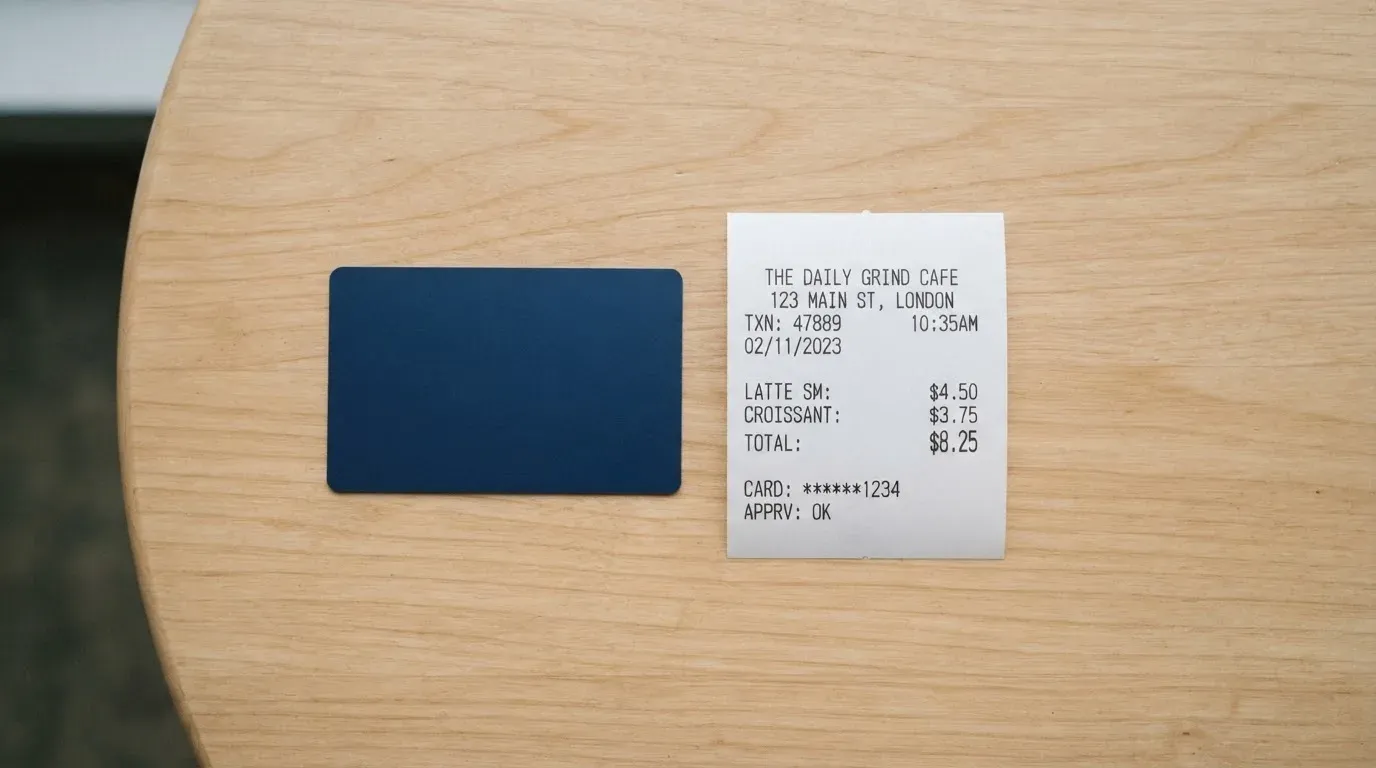
The recurring cost comes at the point of top-up: 4%. The card’s page shows this as “$ 4%” and “€ 4%” — a flat 4% on the amount you load. And here is the warning I will not bury: the FX fee is not stated. The card does not tell you what exchange rate you get when you spend money held in a different currency, or what, if anything, it adds on top. For a card whose whole job is to be spent across borders, an undisclosed FX cost is not a minor gap. It is the single number you most want to see before you commit, and it is the number the card does not publish. Treat that as the thing to ask support directly, in writing, before you rely on the card for anything where the total cost matters.
The ATM situation is likewise not stated — the card does not say whether ATM withdrawals are possible, and if so what they cost. Given the card is virtual, this is not a contradiction, but it is another silence worth knowing about.
On limits, the card’s language is unusually generous and unusually vague. It states “No limits on top-ups and spending” — no limits on top-ups and spending — and an unlimited number of cards. There is a single tier; there is no higher-spending tier to upgrade into. Whether those “no limits” are truly uncapped or simply unstated is not something the public pages resolve, so I would not plan a large one-off purchase around that sentence without confirming it.
Here is everything the card discloses about cost, in one place:
| Fee or limit | What the card states |
|---|---|
| Issuance | $2.50 / €2.00, one-off |
| Monthly servicing | Free |
| Top-up | 4% (shown as “$ 4%” / “€ 4%”) |
| FX fee | Not stated |
| ATM | Not stated |
| Daily and monthly limits | “No limits on top-ups and spending” |
| Number of cards | Unlimited |
| Tiers | Single tier |
Now let me walk three everyday payments through this, because a fee table only means something once you have seen it applied. These are worked examples of where the fees bite, using the card’s own published numbers.
Paying a USD subscription while you hold EUR. You top up, and the 4% applies right there, before you have bought anything. Then you spend a balance denominated in one currency at a merchant in another, and the FX treatment is not stated. This is the payment where the unknown fee lives, and it is exactly the payment this kind of card is usually opened for.
Paying for an advertising platform in USD. If you hold USD, you are on the card’s home turf: the top-up is 4%, the spend is in the balance currency, and the FX question does not arise. This is the card at its cleanest — and it is the use case the audience note points at. Buy ads in dollars, hold dollars, and the cost is knowable.
A purchase the merchant declines. The card does not publish a list of blocked categories, and 3D Secure can add a step. If a payment is declined, authorisation holds can appear on the balance and, in this category generally, can linger for several days. The card does not publish the categories it blocks, so you cannot fully predict this one; you find out at the till.
The upshot: the fixed costs here are among the lowest I have seen for a virtual prepaid card, and the percentage cost — 4% to load — is low enough that the card works for regular online spending. But your total cost of a payment is not fully knowable from the public pages, because the FX component is unstated. That is why the cost score is a 4 out of 10 despite the attractive headline numbers.
Top up: how to fund the card
The card is funded in three ways according to its own pages: by SWIFT, by SEPA, or by USDT. That is the whole menu as published. SWIFT and SEPA are the traditional bank-transfer routes; USDT is the stablecoin route. For someone who holds dollars or euros in a normal account, SWIFT or SEPA are the natural choices. For someone already sitting on stablecoins, the USDT route avoids the fiat handoff entirely.
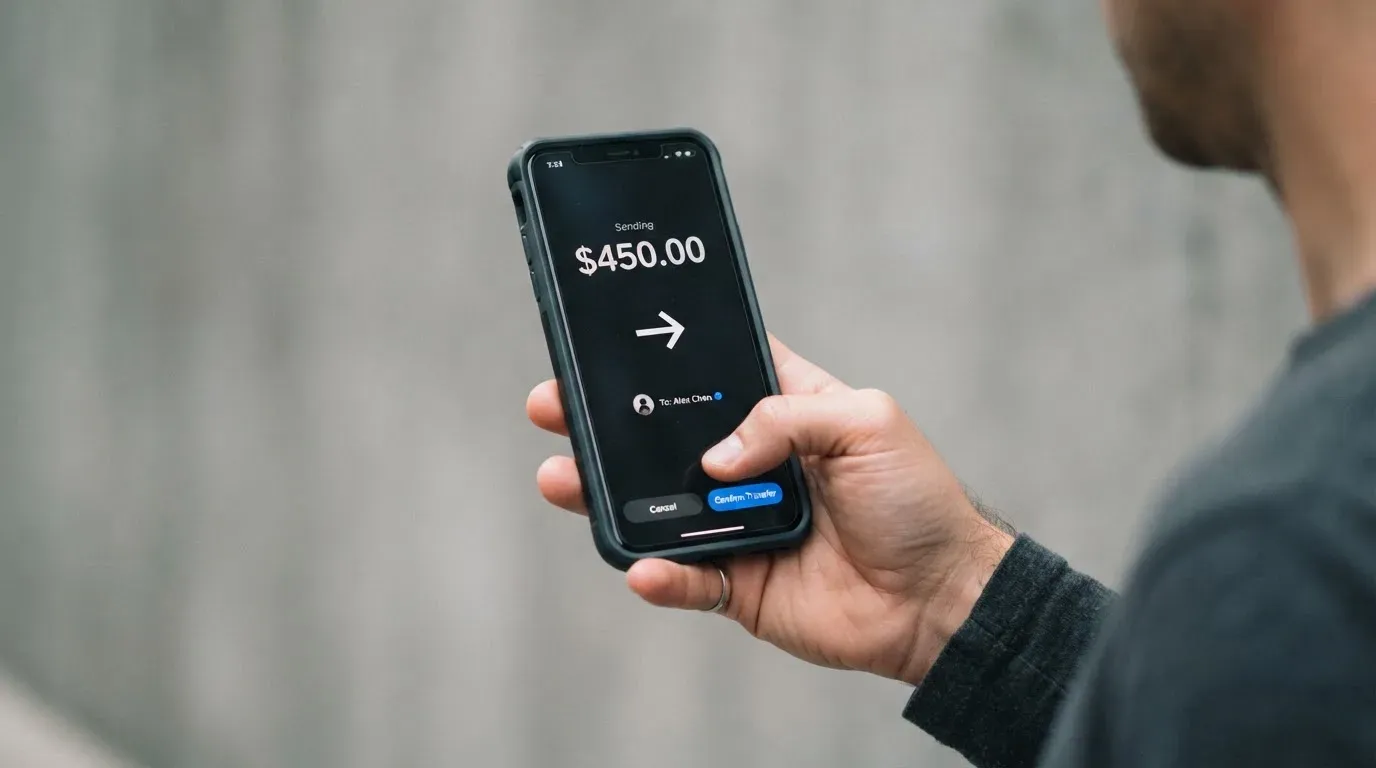
The cost of topping up is 4%, as covered in the fees section. But there is a second charge that is easy to miss, because it is phrased quietly: the card’s terms say it “charges commission additionally from the payment amount” — the Capitalist service charges commission additionally from the payment amount. So the 4% is not necessarily the whole cost of a top-up. Read the top-up terms carefully at the point of funding, because this line means the amount that lands on the card can be less than the amount you sent. The minimum top-up is not stated.
There is also a set of numbers that circulate about this card outside its official pages, and I want to be careful to label them. Unofficial information, from a check of third-party material rather than from Capitalist itself, indicates that BTC, USDT, ETH and USDC can be deposited to the wallet free of charge, and that loading cards from the wallet costs between 3% and 4.7%. None of that is confirmed by the card’s own pages. If the idea of funding straight from a crypto wallet appeals to you, treat the free-deposit figure as plausible but unconfirmed, and verify the 3%–4.7% card-loading range before you rely on it — it is lower than the published 4% at the top end, so it would be worth knowing whether it applies to your route.
One more silence: the withdrawal side. The card’s fees page text was not retrievable when I checked, so what it costs to take money back out is not something I can tell you. That matters if you imagine using the card as a place to hold money and then withdraw it — on the published information, I cannot confirm that is a supported flow at all.
Here is the top-up picture as a set of choices, each with its status clear:
| Method | Status | Cost |
|---|---|---|
| SWIFT | Published by the card | Part of the 4% top-up; additional commission applies |
| SEPA | Published by the card | Part of the 4% top-up; additional commission applies |
| USDT | Published by the card | Part of the 4% top-up; additional commission applies |
| BTC / ETH / USDC to wallet | Unofficial, unconfirmed | Reported as free |
| Load card from wallet | Unofficial, unconfirmed | Reported 3%–4.7% |
| Withdraw money out | Not stated | Not stated |
| Minimum top-up | Not stated | — |
The practical warning on all of this is the network question. When you send USDT, you are choosing a blockchain network as well as an amount, and transfers on those networks are irreversible. Sending on a network the provider does not support, or to an address belonging to a different network, is a well-known way to lose funds in this category — it may need manual recovery through support, with no guarantee. Make sure the network on your side matches what the card expects before you confirm a transfer, every time.
Paying with it every day
The Capitalist card is virtual, so there is no plastic in your wallet and no delivery to wait for. It is denominated in USD or EUR. It links to Apple Pay, which means you can push the card into your phone’s default wallet and pay by Face ID or Touch ID without handling a number. Google Pay appears as a logo only, with no accompanying detail, so I would treat Google Pay support as unconfirmed rather than assume it. At an ATM, the card is again silent.
On spending rules: the card does not publish a list of blocked merchant categories. That is worth internalising rather than discovering. In this category it is common for issuers to block things like gambling, and to restrict a tokenised card number from certain payment channels — for example, a card issuer can restrict a virtual number to website use only, or block it on phone or magnetic-stripe payments. None of that is spelled out here. If a payment you expect to go through is declined, the reason is often one of these policy settings, not a problem with your balance.
A note on how the card number behaves in the wider payment system, because it explains a lot of the day-to-day friction. When you pay, the merchant’s system can look up the issuing institution and country from the first six or eight digits of the card. For an advertising card, that lookup returns a UK or USA BIN; for the general card it returns Hong Kong. If the issuer country looks different from your billing address, some merchants apply extra scrutiny — and some simply decline prepaid or foreign-issued cards as a matter of policy. This is why a cheap card can occasionally fail at a checkout for reasons that have nothing to do with you.
Two final everyday items the card does not settle: whether there are any rewards, points or cashback on the card (not stated), and how disputes work when a charge goes wrong — the chargeback process and the rules for it are not stated. On rewards, this is not unusual for a card of this type; I simply note it so you are not surprised. On disputes, it is a real omission. If a charge is made in error, the general protections you might expect from a bank card are not something the card’s pages promise, and prepaid-card coverage varies and should never be assumed.
What can go wrong
This is the section I would want a friend to read twice. The risks here are not exotic; they are the ordinary risks of a small prepaid service, plus one specific complaint pattern worth naming.
Start with the company. The Capitalist site states “11 years of successful work” — eleven years of successful work. That is a claim of longevity, and longevity matters. But the legal entity behind the site is not named, the card issuer is not named, and the licences are not named. I want to be careful about what that absence means. It does not mean anything improper. It means that when you go to check whether this service is regulated, and by whom, the card gives you nothing to check. For a financial service, that is the single fact I would want in front of me and the one I cannot find. Ask, in writing, who the issuer is and under what licence it issues, and keep the answer.
On complaints, there is no official incident I could find. What there is, from users, is a pattern. On Trustpilot the service sits at 4.2 out of 5 across 115 reviews, with 25% of those reviews being one-star — read as of 2026-10-21. The themes in the reviews, as of late 2026, are threefold: unclear or high fees (August–September 2026), unhelpful support (August 2026), and delayed deposits (August 2026). The delayed-deposit complaint is the concrete one worth holding onto: a user reported in August 2026 that USDT sent from Trust Wallet “never arrived” after five days. One report is one report, and I am not presenting it as a pattern of systemic failure. But it is the exact failure mode — money in, card not funded — that matters most on a prepaid card, and it is documented.
Support is where you would take any of these problems. The service states working days 10:00–19:00 MSK, and weekends and holidays 11:00–19:00 MSK. On weekends and holidays, contact is through internal messages and a feedback form only, with a Telegram bot as another channel. The languages supported are not stated. Note what that schedule means in practice: when a deposit is delayed or a payment is stuck, the fastest resolution is often on a weekday during working hours, and “unhelpful support” is one of the recurring themes in the reviews.
The security the card does describe is reasonable for this category. Account protections include a personal greeting, IP restriction, SMS confirmation, a certificate, a one-time password table, and a payment PIN. The card recommends activating not less than two methods. Turning on as many of these as your setup allows is the single best thing you can do to reduce the risk that matters most here, which is someone else getting into your account and spending your balance.
Two broader risks sit outside the card’s control. The first is that this is a custodial arrangement: the crypto brand holds your funds and your credentials, so you are trusting the provider, and providers in this space do fail — Mt. Gox, Coincheck and Ronin are the historical examples. The second is the stablecoin itself. USDT and USDC are designed to hold a dollar value, but they are not guaranteed to: USDC briefly lost its peg in March 2023, and stablecoin issuers can freeze funds tied to illicit activity. If you hold value in a stablecoin and load a card from it, you carry both the card’s risk and the token’s.
What to take instead
If the Capitalist card’s weaknesses — the undisclosed FX fee, the silent issuer, the virtual-only format, the support schedule — matter to you, then the honest advice is to look at alternatives. Below are three other cards I examined, with the same scrutiny I gave Capitalist. The comparison is deliberately plain: these are not endorsements, they are options, and each has gaps of its own that I have tried to name.
| Card | Score | Issuing / audience | Card type | Fees as stated | Top-up |
|---|---|---|---|---|---|
| Capitalist | 5.0 / 10 | Issued Hong Kong; worldwide acceptance; no country list | Virtual only; USD or EUR; ad and general groups | Issuance $2.50/€2.00; servicing free; top-up 4%; FX not stated | SWIFT, SEPA, USDT (unofficial also BTC, ETH, USDC via wallet) |
| Cardex | 5.6 / 10 | “One crypto card, 200+ countries”; no country list; app listing Naira-focused | Debit crypto card on VERVE, VISA, Mastercard, UnionPay; virtual and physical; Naira per listing | Not stated; conversion at payment via an “AI-Powered Conversion Rate” that scans rates | USDT, USDC, BTC wallets; networks not stated |
| CardFlow | 4.9 / 10 | Aimed at Nigeria; “Nigerians and global users”; no country list | Virtual USD Mastercard, created in about 3 minutes | Creating a virtual card is free; monthly fee not stated | Bitcoin, USDT, ETH, or Naira bank transfer; networks not stated |
| HyperCard | 4.7 / 10 | No country list; app says works in “more than 176 countries” (acceptance, not eligibility) | Prepaid; network not stated on the app page; USD or EUR balance | Not stated; app page lists no fees | Deposit crypto such as USDT, BTC, ETH; converted to USD or EUR; networks not stated |
Read that table with the same scepticism I would apply to Capitalist’s own marketing. Cardex scores slightly higher and its fee story is more interesting — it converts crypto to fiat in real time at the moment of payment, using a rate it says it picks from across global exchanges — but no fee percentage is published, which is the same kind of gap as Capitalist’s unstated FX. CardFlow gives you a free virtual Mastercard, but it is clearly built for Nigeria, and its monthly fee is unstated. HyperCard is the thinnest on disclosure of the three: no fee stated, no network stated, no country list.
None of these four publishes a clean, complete, all-in fee schedule. That is not a coincidence; it is the normal state of this category. Which is precisely why the question is not “which card is best” but “which card’s silences I can live with.” Capitalist’s silences are the FX fee and the issuer’s identity. Cardex’s are the fee percentage and the country list. CardFlow’s are the monthly fee and its Nigeria-centring. HyperCard’s are nearly everything.
Who I would recommend it to
I would recommend the Capitalist card to a person who has one specific job in mind — paying for advertising and online services, spending in USD or EUR — and who is comfortable treating the balance as money in transit rather than money in savings. If that is you, the card is cheap, the fixed costs are near zero, and the 4% load fee is low enough that regular online spending makes it worthwhile. The virtual format is a genuine convenience when you want a card number now and a UK- or USA-linked BIN for the platforms that care about that.
I would not recommend it, without reservations, to someone who needs the card to be their financial foundation. If you are looking for a bank account, a salary card, or a card with a dispute process and a named, licensed issuer behind it, the gaps in the public information are not cosmetic — they are the substance of what you would be relying on. Nor would I recommend loading it with an amount whose loss would hurt you, because deposits are irreversible on-chain, the issuer is not named, and the documented complaint pattern includes a deposit that never arrived.
Before you commit, do three things. Ask support, in writing, what the FX treatment is, and get the answer in writing. Ask who the issuing entity and its licence are. And turn on at least two of the account’s security methods. Those three answers, plus that one setting, will tell you more about whether this card is right for you than anything else in this review.
Frequently asked questions
What is Capitalist card?
Capitalist is a prepaid virtual payment card issued in Hong Kong, accepted for payments worldwide, and denominated in USD or EUR. It is not a bank account; it draws on a balance you load yourself. The card comes in two groups — one for any purchases and one aimed at advertising — and it supports 3D Secure. Its appeal is a very low fixed cost: 2.50 USD or 2.00 EUR to issue, with servicing free.
How does Capitalist card work?
You open an account, verify it, and load a balance by SWIFT, SEPA or USDT. The card then spends that stored balance like an ordinary prepaid card. Because it is virtual, there is no delivery step and no physical card. Top-ups carry a 4% charge, and the terms also say the service takes commission additionally from the payment amount. For the advertising cards, the BINs are described as trusted UK and USA BINs.
Is Capitalist a bank?
No — the card presents itself as a payment instrument, not a bank account, and its pages do not name a legal entity, an issuing bank, or any licence. That is an information gap rather than an accusation, but it is the one I would resolve before trusting the card with meaningful money. The site claims eleven years in business. Ask support directly who issues the card and under what licence.
Does Capitalist card require KYC?
Yes, despite the marketing line about no complicated KYC. The account has a “Verified user” status that requires identity and address documents, and the address document must be no older than three months. The number of verification tiers, and how long verification takes, are not stated on the public pages. So plan for a document check, not a bypass of one.
How do I top up the Capitalist card?
The card’s own pages list three routes: SWIFT, SEPA and USDT. Each is subject to the 4% top-up fee and to the additional commission the terms take from the payment amount. The minimum top-up is not stated. Unofficial third-party information also reports BTC, USDT, ETH and USDC deposited free to a wallet, with cards loaded from that wallet at 3%–4.7% — unconfirmed by the card, so verify before relying on it.
What are Capitalist card’s fees and limits?
Issuance is 2.50 USD or 2.00 EUR, one-off, and monthly servicing is free. Top-ups cost 4%. The FX fee is not stated, and ATM costs are not stated. Limits are described only as “no limits on top-ups and spending,” with unlimited cards and a single tier. Because the FX rate and fee are undisclosed, your true cost on a cross-currency payment cannot be calculated from the public pages.
Is Capitalist card safe?
It has real protections: a personal greeting, IP restriction, SMS confirmation, a certificate, one-time passwords and a payment PIN, with the recommendation to activate at least two methods. But the legal entity, issuer and licences are not named, Trustpilot shows 4.2 out of 5 from 115 reviews with 25% one-star, and reports include unclear fees and a delayed USDT deposit. On Trustpilot, deposit problems appeared in August 2026.
Can I use Capitalist card in my country?
The card says payments are accepted worldwide, and it is issued in Hong Kong. However, acceptance is not eligibility: the pages name no list of eligible or excluded countries. Because the card is virtual and denominated only in USD or EUR, and the general group’s BIN is Hong Kong while the advertising cards use UK and USA BINs, some merchants may decline it as a foreign or prepaid card. Confirm eligibility for your country with support first.
Is Capitalist card free?
Partly. Servicing is free and there is no monthly fee, but issuing the card costs 2.50 USD or 2.00 EUR, and each top-up costs 4% plus the additional commission the terms describe. So the card is not free to use — it is free to keep. Whether that works for you depends entirely on how often you top up and in which currency you spend.
Is Capitalist card worth it?
Worth it if you want a cheap virtual card specifically for ads and online services, hold USD or EUR, and load fairly regularly — the 4% load fee is low for the category and the fixed costs are near zero. Not worth relying on as your main card: the FX fee is unstated, the issuer is unnamed, there is no ATM detail, no published rewards or dispute process, and deposits have a documented late-arrival complaint. Treat the balance as money in transit.
Virtual cards in the catalogue – cryptocardcatalog
Content created by the «cryptocardcatalog» team