
A crypto Visa with too many blanks to call it a safe bet
 Available in US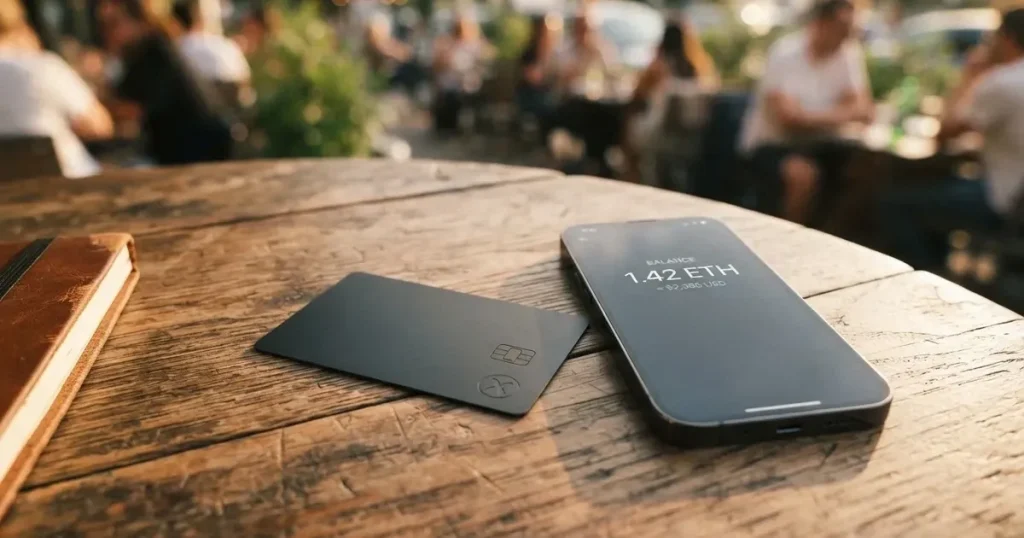
The SkyDAO card is a Visa-branded payment card that draws on a SkyDAO wallet balance. It promises a physical card you can order from the app, Apple Pay and Google Pay support, and ATM withdrawals. In practice, the public pages leave a great deal unsaid — issuance fees, monthly costs, conversion and FX charges, supported coins, supported countries and even the legal entity behind the product are all missing from what is publicly available. This review walks through what is confirmed, what is not, and whether the card earns a place in your wallet given how little the company publishes.
The conditions in this review are current as of October 28, 2026.
Verdict: 5.3 out of 10
SkyDAO scores 5.3 out of 10, with the strongest marks for everyday convenience — a physical Visa, mobile wallets, and ATM access — and the weakest marks for transparency, because almost nothing about the company’s legal setup, fees, or supported countries is publicly stated. If you want a quick answer: this is a card for crypto wallet users who prioritise having a physical Visa with ATM access, and who are willing to accept that the issuer, the licence, and the pricing are not described anywhere a reader can check them in advance.
The table below breaks that score down by criterion.
| Criterion | Mark | Reason |
|---|---|---|
| Who can get it | 5 / 10 | Supported countries are not listed on the pages I could read. Earlier starting data referred to “worldwide except 49 restricted countries” — not confirmed. |
| Cost | 5 / 10 | Issuance, monthly and per-transaction fees, and ATM charges are not stated. |
| Top-up options | 5 / 10 | Multichain wallet-to-card transfer is described; specific coins and networks are not listed. |
| Reliability and complaints | 4 / 10 | The company behind it, SKYDAO TRUST LTD, has no stated country of registration, no named issuer and no named licence. Few independent reviews exist. |
| Everyday use | 8 / 10 | Physical Visa ordered in-app, Apple Pay, Google Pay, ATM withdrawals — the practical feature set is solid. |
Who the card suits: someone who already keeps funds in a SkyDAO wallet and wants a physical Visa, mobile wallet support, and ATM access without leaving that ecosystem. Who it does not suit: anyone who needs to know the cost structure, the legal entity behind the card, or the supported countries before they apply — because the public pages do not give you those answers.
Who Will Actually Give You the Card
The single most important practical question about any payment card is also the hardest one to answer for SkyDAO: who can get one. The SkyDAO website does not state a list of supported countries. Earlier starting data — referred to “worldwide except 49 restricted countries” — was not confirmed in the current review pass and should be treated as unofficial.
What that means for you, in practice, is that you cannot determine from the SkyDAO website alone whether you are eligible. There is no “supported countries” page, no dropdown of permitted jurisdictions, and no terms-of-service excerpt that a reader can point to. If you live in a country that mainstream card issuers treat as high-risk — for sanctions reasons, for FATF grey-list status, or simply because the local payment infrastructure is unusual — you should expect to find out by applying, not by reading.
The identity-verification step itself is described in general terms: the App Store listing and the official site tell you to “download the SkyDAO app and complete identity verification to apply for a physical card online.” The specific documents — passport, national ID, proof of address, secondary ID — are not stated, and neither are any tiered verification levels. That is not necessarily a red flag; it is just a gap. The point is that you do not know in advance which documents to gather, how long the review will take, or whether your country of citizenship will be treated differently from your country of residence.
The closest thing to a geographic signal in the public material is a marketing line on the SkyDAO site that reads “Hong Kong — regional access, United States — global standards, License.” That is a tagline about the company’s positioning, not a statement of which residents can apply. The App Store seller is listed as SKYDAO TRUST LTD., but the company’s registered country, the card’s issuer, and the licence under which the card is issued are not named. I will come back to that gap in the risks section, because for a payment card it is a meaningful one.
How to Get the Card
The sign-up flow, as far as the public pages describe it, has three steps. First, download the SkyDAO app. The iPhone and iPad app is free, lists an 18+ age rating, and was at version 2.4.8 as of October 10, 2026, according to the App Store listing. Second, complete identity verification in the app — documents unspecified, level unspecified, processing time unspecified. Third, order a physical Visa card in the app; the page says “Once your order is placed, the card will be shipped to your specified address,” with no delivery time and no shipping cost stated.
What the flow does not describe is also worth knowing. It does not state whether a virtual card exists at all — only the physical card is mentioned. It does not say whether there is a waiting period between KYC approval and the moment you can start spending. It does not say what happens to your application if verification fails. And it does not say whether there is a separate activation step after the card arrives, beyond the usual activation flow inside the app.
Two practical things follow from that. The first is that you should not assume you will have a working card in your hand in a predictable number of days. The second is that you should not load significant funds into the SkyDAO wallet before the card is in your hand and active, because until the card exists, the wallet-to-card transfer has no destination.
A small but useful detail: the App Store listing currently shows “This app hasn’t received enough ratings or reviews to display an overview” on the Canadian storefront as of October 21, 2026. That is not evidence of anything bad; it is just a signal that, at the time of writing, the app is not widely used or reviewed enough for Apple’s algorithm to show a summary. If a large number of reviews matters to you, this is something to keep in mind.
What It Really Costs
This is the section where SkyDAO’s public material is thinnest, and where a reader has the least ability to plan ahead. Every number a normal card review would lead with — issuance fee, monthly fee, foreign-transaction fee, ATM fee, conversion margin — is simply not stated on the pages I could read. The costs table below is therefore a list of the limits the card sets or applies, rather than a list of fees a reader can budget against.
| Fee or limit | Stated value |
|---|---|
| Card issuance fee | Not stated |
| Monthly or annual fee | Not stated |
| Conversion / spread | Not stated |
| Foreign-transaction (FX) fee | Not stated |
| ATM withdrawal fee | Not stated |
| Daily spending limit | Not stated |
| Monthly spending limit | Not stated (the App Store says a “VIP service” offers “higher limits”) |
| ATM allowance | Not stated |
A few specific things to take from this. The “VIP service” mentioned in the App Store description — a tier for high-value users that the developer describes as offering priority access, dedicated support and higher limits — is exactly the kind of detail that lets a card issuer set fees per tier without ever publishing them. If you are a heavy spender, you may eventually be offered a tier; if you are not, you will be on the default plan, and what that default plan charges is not on the website.
For everyday use, the absence of stated fees means three concrete scenarios to think about before you apply. The first is a small foreign-currency purchase, say a coffee paid in euros from a US-dollar balance. With most cards, that single transaction is hit with a conversion margin, an FX fee, and possibly a flat per-transaction fee. SkyDAO does not state any of those, so you cannot tell in advance what the coffee costs you. The second is an ATM withdrawal abroad: a typical crypto card charges a flat ATM fee plus a percentage, and limits the free withdrawals by month. SkyDAO states that ATM withdrawals are available, and that is all. The third is a recurring subscription billed in a currency different from your balance: again, no stated conversion margin or FX fee, so no way to estimate the real cost.
One more practical note. The App Store description says the SkyDAO app offers a “unified account for fiat and digital assets,” which is a useful feature in principle, but the page does not state which fiat currencies the account holds, nor which crypto assets can sit in it. That has a direct effect on costs, because a card funded from a non-supported currency will be converted, and the conversion rate is not stated either. If the card supports only one fiat currency, that is a meaningful limitation in itself.
How to Top It Up
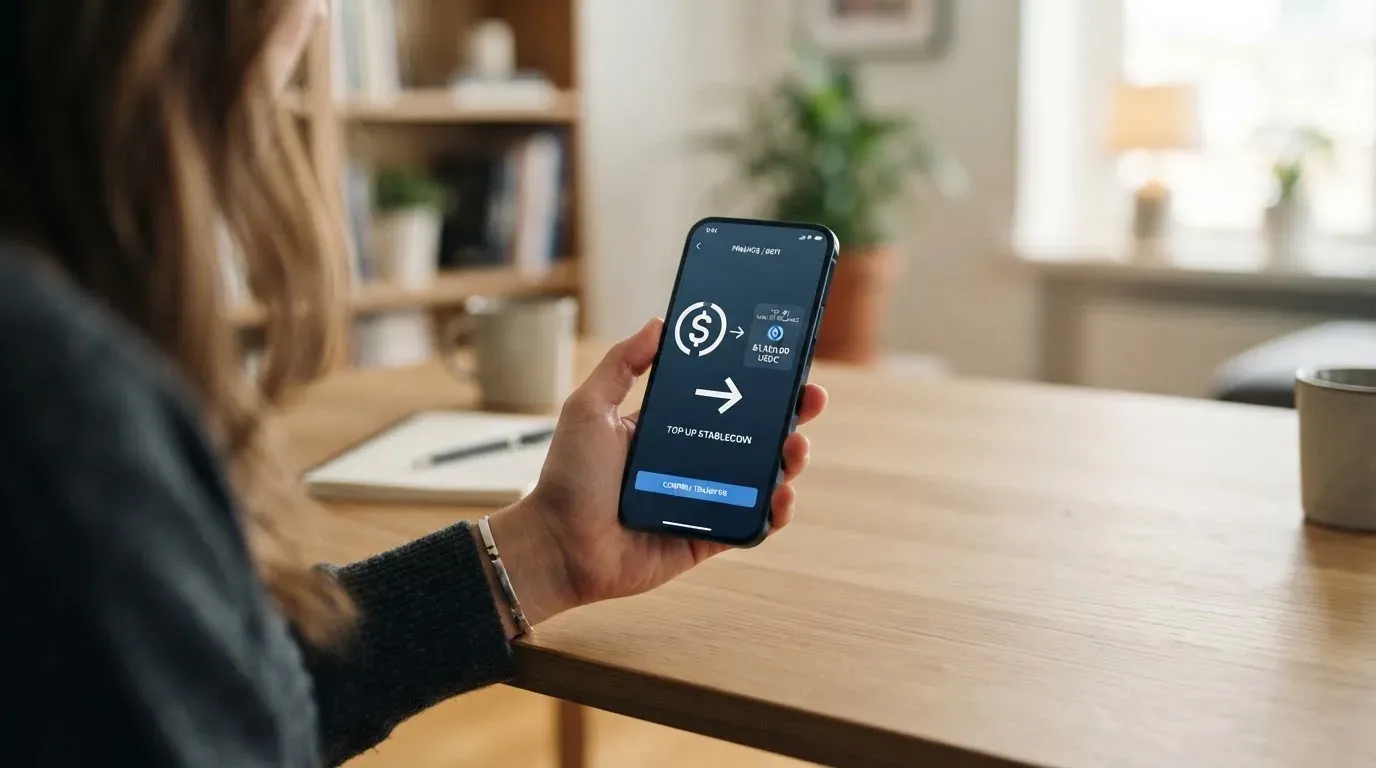
Topping up a SkyDAO card works by moving value from the SkyDAO wallet to the card. The site and the App Store description both describe a multichain transfer — meaning you can send from several different blockchains — and they describe a unified account that holds both fiat and digital assets. Beyond that, the public pages do not list the supported coins or the supported networks.
What that means for you is concrete. If you hold USDT on Tron and the SkyDAO wallet supports only Ethereum-based ERC-20 tokens, you will either have to bridge your USDT across networks — paying network fees, waiting for confirmations, and bearing the risk of a wrong-network transfer — or you will have to withdraw to an exchange first. The same problem applies in reverse: if SkyDAO supports a token you do not hold, you cannot top up the card without first acquiring that token. The official pages do not give you the list of supported tokens and chains that would let you plan around this.
A further unknown is the fee structure for the top-up itself. On-chain transfers cost gas (or, on Tron, bandwidth and energy, which the user often has to obtain by holding or burning TRX), and a multichain provider may add its own routing or conversion fee on top. The SkyDAO pages do not state any of this. There is also no stated minimum top-up amount and no stated maximum, and the App Store text does not mention any daily or monthly top-up limit.
There is one more practical concern. The general rule for blockchain transfers is that they are irreversible: a deposit sent on a network the card provider does not support, or to an address of another network, can be lost or require manual support recovery with no guarantee. With SkyDAO, that risk is amplified by the absence of a published list of supported networks. The only safe course is to test with a small amount first, and to confirm with support that the address and network are correct before sending a large sum.
For the record: the public pages do not state a withdrawal process either. A “withdraw” in the card sense — moving value from the SkyDAO account back out to a bank account or to an external crypto wallet — is not described on the official website. If withdrawals matter to you, treat that as a question to ask support before you load the card.
Paying With It Every Day
The day-to-day feature set is the strongest part of the SkyDAO pitch. The card is a Visa, which means it is accepted anywhere Visa is taken, online and in physical stores. A physical card is ordered in the app and shipped to your address. Apple Pay and Google Pay are supported, so you can add the card to a phone wallet and pay contactless. ATM withdrawals are available, which is a feature some crypto cards omit entirely.
What that gives you in practice is a fairly standard prepaid-card experience. You load the card from your wallet, the balance is held by the issuer, and each purchase draws on that balance. There is no overdrawing, because the card is prepaid by design, and the balance you see in the app is the balance you can spend. The mobile-wallet support means you can leave the physical card at home and still pay with a phone or watch.
The things the public pages do not describe are the things a frequent card user would normally check. There is no list of blocked merchant categories. Many crypto cards block gambling (the merchant category code 7995) by issuer policy rather than by law, and some block other categories such as adult content or cryptocurrency purchases; SkyDAO does not publish its block list. There is no description of a rewards or cashback programme. The App Store description refers to a “VIP service” with higher limits and dedicated support, but it is silent on cashback, staking rewards, or any earn rate. There is no stated description of how disputes are handled — the public pages do not say how to file a chargeback, what evidence is required, or how long a dispute takes to resolve. And there is no information about 3-D Secure behaviour on online purchases, which is a routine source of declined transactions on prepaid and foreign-issued cards.
Two technical points are worth raising here, because they affect everyday use even if SkyDAO does not describe them. The first is that Address Verification Service (AVS) — a system that compares parts of a billing address with what the issuer has on file — is mainly offered in the US, Canada and the UK, and is generally unavailable for foreign-issued cards. If your card is issued outside the country where you are shopping, AVS-based declines are more likely. The second is that some merchants decline prepaid or foreign card-issuer BINs outright, because the BIN lookup reveals the card type and the issuer country. There is no way to know in advance how often this will happen with SkyDAO, and the public pages do not address it.
On the app side, the SkyDAO iPhone and iPad app is free and currently shows 18+ age rating. The App Store listing indicates it had not received enough ratings for an App Store summary to appear as of October 21, 2026, which is a thin signal but not a verdict. The app supports a broad language footprint, including English, Bengali, French, German, Hindi, Indonesian, Italian, Japanese, Korean, Portuguese, Russian, Simplified Chinese, Spanish, Thai, Traditional Chinese, Ukrainian and Vietnamese. That is a useful one if you read in any of those languages.
What Can Go Wrong
This is the section that matters most to me as a reviewer, because the everyday features are easy to copy and the legal setup is hard to verify. The honest summary is that the public material on SkyDAO does not name the card’s issuer, the licence under which the card is issued, or the country in which SKYDAO TRUST LTD. is registered. The App Store seller is SKYDAO TRUST LTD., and the developer’s App Store handle is “SkydaoTrust”, but the company page does not state a registered office or a regulatory reference.
For a payment card, that gap is meaningful. A Visa-branded card is a payment instrument, and the entity that issues it is normally a bank or an electronic money institution (EMI) authorised under a national payments regulator — in the EU, for example, an EMI authorised by a member state’s competent authority under EU payments law. The SkyDAO public material does not name that entity, and does not name the regulator that authorises it. The marketing line “Hong Kong — regional access, United States — global standards, License” is not the same as a stated licence, and the term “License” on its own, with no number, no authority, and no jurisdiction, is not a regulatory disclosure.
The compliance backdrop to keep in mind is the EU’s MiCA regulation, which took legal effect in June 2023 and under which asset-referenced and e-money token rules applied from 30 June 2024, with the rest of the regime — including crypto-asset service provider (CASP) authorisation — applying from 30 December 2024. A crypto card product with EU users typically depends on two licences: a payments-side authorisation for the card itself, and a MiCA-side authorisation for the crypto side. ESMA keeps an interim register of authorised CASPs, and that is the place to check whether a provider has been authorised or has had enforcement action. I could not find a SkyDAO entry in that register in official records, but the absence of a public statement from the company makes it impossible to confirm either way.
A second risk is the company’s own reliability. I did not find a Trustpilot page for SkyDAO itself, and I did not find any meaningful Reddit or independent review threads about the card. There is a Trustpilot page for “sky.money” with two one-star reviews, but it is unclear whether that page refers to the same business, and I have not relied on it. In the App Store, the rating volume is too low for an overview to display. None of this is proof of a problem, and a small user base is not the same as a bad one — but it is a thin evidentiary base, and a thin base is a warning sign in a category that has had several high-profile failures.
The history of the category itself is part of the risk picture. Visa itself does not issue crypto cards to consumers; it licenses issuers, and it can suspend a programme — and it has done so. In November 2022, Visa said it had terminated its global agreements with FTX, and the FTX US debit card programme was wound down by its issuer. Earlier, in 2018, WaveCrest, a Visa card issuer that supplied several crypto card brands, was suspended by Visa in Europe, closing all WaveCrest-issued Visa programmes. The lesson is straightforward: the card network and the issuer are the parties that ultimately decide whether a programme continues, and the crypto brand on the front of the card is often a programme manager rather than the regulated entity. When a programme closes, the typical pattern is a notice period, then a stop on new loads, then a stop on spending, and then a request to withdraw remaining balances. The user is the last in line.
The security picture is more reassuring, but only because the company says so. The developer claims in the App Store description that the app uses encryption and “multi-layer risk controls”; that is a developer claim, not an independent security audit. The general safeguards a reader should expect from a card app are app-based two-factor authentication, instant card freeze, per-card spending limits, 3-D Secure confirmation for online purchases, and tokenised mobile-wallet numbers. Whether SkyDAO offers all of these is not stated. The help-centre URL in the App Store listing, skydao.zendesk.com, is currently closed, which is a small operational signal but a real one — it is the channel a user would go to first if something went wrong.
There is also the question of what happens if you lose access to your wallet. Crypto transfers are typically irreversible, and a stolen private key has no built-in recovery: the network cannot freeze or return the funds. A custodial platform, by contrast, holds the credentials and can in principle reset access — but the cost of that custody is that you must trust the platform completely. Custodial platforms have a record of failures, including Mt. Gox (around US$350 million reported stolen between 2011 and 2014), Coincheck (around US$400 million in 2018), and Ronin Network (US$625 million in 2022). The SkyDAO wallet is custodial, and the user has no published recourse if the platform fails.
Finally, on the rewards side, the public pages do not state a cashback, staking, or earn rate. Some crypto cards pay rewards back in the platform’s token or in a stablecoin; SkyDAO does not, as far as the public material goes. If you are choosing between cards, the absence of rewards is not a “risk” in itself, but it changes the cost calculus: a card that pays back rewards and charges fees is different from a card that pays nothing and charges an unknown amount in FX.
What to Take Instead
Given how much of SkyDAO’s offering is left to the applicant to discover after sign-up, the practical question is what to look at instead. Three cards are worth comparing directly: an international Visa card for general use, a multicurrency Mastercard for travel, and a US-focused Visa with cashback at select merchants.
| Card | Score | Card type | Cost | Key feature |
|---|---|---|---|---|
| SkyDAO | 5.3 / 10 | Visa (physical) | Not stated | Multichain wallet top-up, Apple/Google Pay, ATM |
| International Visa Card | 6.7 / 10 | US-issued Visa Platinum (virtual) | $5 issuance, plans $0 / $9 / $19 monthly | No FX fee in USD, deposits free, USDC/USDT at 1:1 |
| UNi Card | 6.1 / 10 | Multicurrency Mastercard | No annual fee, no FX fee | Up to 3% spend-to-earn, OTC conversion |
| Whop Cards | 5.2 / 10 | Visa | “No extra fees” (amounts not listed) | 5% cashback at Uber and select merchants |
The International Visa Card scores 6.7 out of 10 and is more transparent on cost: a $5 one-time virtual-card issuance fee, three plans at $0 / $9 / $19 per month, and a published 2% foreign-currency fee on top of the Visa exchange rate. Card use in US dollars is free on all three plans, and deposits of any kind — including USDC and USDT into a USD account — are free. The drawback is geography: accounts and cards are not available to residents or legal registrants of Belarus, mainland China, North Korea, Cuba, India, Iraq, Iran, Israel, Myanmar, Nepal, Nicaragua, Russia, Syria, Turkey, Ukraine, Venezuela or Vietnam, with FATF grey-list countries reviewed case by case. Purchases are blocked in North Korea, Cuba, Iran, Russia, Syria, Ukraine and Venezuela. The rule is by residence or registration, not by citizenship. The card is virtual today, with a physical card listed as “coming soon”.
The UNi Card scores 6.1 out of 10. It is a multicurrency card on the Mastercard network, with no annual fee and no foreign-transaction fee. Assets are converted at “live OTC rates” with “no hidden exchange fees”, and the card offers up to 3% spend-to-earn rewards. The country list and the physical-vs-virtual card type are not publicly stated. If you travel often and want a no-fee multicurrency Mastercard, it is the most direct competitor in this group.
The Whop Cards score 5.2 out of 10 and are US-focused. Consumers are accepted in 31 US states, businesses in 41; unsupported countries include Belarus, mainland China, Cuba, Hong Kong, India, Iran, Iraq, Israel, Myanmar, Nepal, Nicaragua, North Korea, Russia, Syria, Turkey, Ukraine, Venezuela and Vietnam, with the basis (citizenship or residence) not stated. The page says “no extra fees” without listing amounts, and the headline feature is 5% cashback at select merchants, currently Uber, with more planned. If you live in a covered US state and you spend heavily at cashback merchants, it is worth a look; otherwise the geographic restriction makes it a non-starter.
The pattern across all three alternatives is that each one tells you, in some form, what the card costs, where the company is regulated, and which countries are supported. That is the gap SkyDAO leaves open, and it is the reason the alternatives score higher even where their feature set is similar.
Who I Would Recommend It To
I would recommend the SkyDAO card to a narrow reader: someone who already uses the SkyDAO wallet for other reasons, who is comfortable with the fact that fees, supported countries, the issuer and the licence are not publicly stated, and who is willing to test with a small balance before committing. The everyday feature set — a physical Visa, mobile-wallet support, and ATM access — is real, and for that specific reader it removes the friction of moving value to a separate card.
For everyone else, I would not. The reason is not that the card is bad; it is that the public material is not enough to plan around. A card is a recurring relationship: you will pay it back, fund it, and rely on it for purchases and for ATM access. Choosing one without knowing what it costs, where it is regulated, or who stands behind it is a bet, and the bet is not necessary when other cards publish those facts. If SkyDAO publishes fees, country lists, an issuer name and a licence number in the future, this review will need to be updated, because the score is held down by the absence of those details, not by the product itself.
A short checklist for anyone still considering the card: confirm with SkyDAO support, before you load the card, which fiat currencies are supported, which crypto assets and networks are accepted for top-up, and what the daily and monthly limits are. Confirm what the per-transaction FX and conversion fees are, because the website does not state them. Confirm the issuer and the licence, because the App Store seller name alone is not enough. And keep the first top-up small until you have used the card at a shop, at an ATM, and on a foreign-currency transaction, so you have a real cost baseline before you commit.
Frequently Asked Questions
What is the SkyDAO card?
The SkyDAO card is a Visa-branded payment card linked to a SkyDAO wallet. You load value from the wallet onto the card, and the card is accepted anywhere Visa is taken. A physical card is ordered in the app, and Apple Pay and Google Pay are supported.
How does the SkyDAO card work?
You download the SkyDAO app, complete identity verification, and order a physical card from inside the app. The card is funded by transferring value from your SkyDAO wallet to the card balance. When you pay, the card draws on that balance; it is prepaid, so it cannot overdraw. ATM withdrawals are supported.
Is SkyDAO a bank?
The public material does not describe SkyDAO as a bank. The App Store seller is listed as SKYDAO TRUST LTD., and the App Store developer handle is “SkydaoTrust”. The company’s registered country, the card’s issuer, and the licence under which the card is issued are not stated on the pages I could read.
Who owns SkyDAO?
Ownership is not stated in the public material. The company behind the product is listed as SKYDAO TRUST LTD., with a developer handle of “SkydaoTrust” in the App Store, but no parent company, no shareholders, and no beneficial-owner information is published.
Is the SkyDAO card available in my country?
The SkyDAO public pages do not list supported countries. Earlier starting data referred to “worldwide except 49 restricted countries”, but that wording is not confirmed in the current review pass. The only practical way to find out is to start the in-app verification and see whether your country is accepted.
Does the SkyDAO card require KYC?
Yes. The SkyDAO site and the App Store description both say identity verification is required before a physical card can be applied for. The specific documents, the verification levels, and the processing time are not stated.
How do I top up the SkyDAO card?
By transferring value from your SkyDAO wallet to the card. The pages describe a multichain transfer and a unified account that holds both fiat and digital assets. The supported coins, supported networks, top-up fees, and minimum and maximum top-up amounts are not stated.
Is the SkyDAO card free?
The public pages do not state the issuance fee, monthly fee, conversion margin, foreign-transaction fee, or ATM fee. The card cannot be said to be free based on the available material, and the App Store description mentions a “VIP service” with higher limits, which suggests tiered pricing that is not published.
How do I add the SkyDAO card to Apple Wallet?
The card supports Apple Pay and Google Pay. The exact steps depend on the app version, but the typical flow is: open the SkyDAO app, select the card, choose “Add to Apple Wallet” or “Add to Google Pay”, and complete the issuer’s verification step on the phone.
Is the SkyDAO card worth it?
That depends on what you need it for. If you already use the SkyDAO wallet and want a physical Visa with ATM and mobile-wallet support, it removes friction. If you need a card whose fees, supported countries, issuer and licence are published in advance, the alternatives in this review — the International Visa Card, the UNi Card, and Whop Cards — are more transparent.
App and neobank cards in the catalogue – cryptocardcatalog
Content created by the «cryptocardcatalog» team